Measure Live

Every measurement. Every source. One view

Contact support@measurelive.com to receive your License Key 

Built for field engineers who need practical LF alignment decisions under changing crowd and environmental conditions

Sub Alignment Audience Calculator Alpha 2026.1

Sub Alignment Audience Calculator Alpha 2026.1

Fast estimate for empty-room vs audience sub alignment using Crowd Density & Environmental Conditions

Copyright (c) 2026 Ben Pratico

Setting Descriptions

Show Temp (deg C)
Current in-show air temperature used in the speed-of-sound estimate.
Show Relative Humidity
Current in-show humidity used with show temperature.
Inital Alignment Temp
Temperature when you performed the empty-room alignment.
Inital Alignment RH
Humidity when you performed the empty-room alignment.
Crowd-Correction Distance To Source
Distance used to evaluate crowd-density impact on alignment. Initial alignment and atmospheric reference remain fixed at 30 m.
Atmospheric Delay Change
Shown for reference only. In shared-band source alignment, temperature/humidity are treated as common-mode and are not added to final DSP delay.
Global Crowd Density
Default density used when a zone is set to Use Global. Light = sparse audience (~0.5 to 1.5 persons/m2), Medium = typical show occupancy (~1.5 to 3.0 persons/m2), Dense = tightly packed crowd (~3.0 to 5.0+ persons/m2, strongest LF crowd effect).
Zone Density By Distance
Set crowd density by predefined distance bands from 0 m to 300 m.
Relative Zone Density Adjustment
Shifts all zone densities together by -2 to +2 steps to match real crowd changes.
Applied Density (Zone Table)
Final density used per zone after Global/Override selection plus relative adjustment.
Ground Initial Alignment Delay (@30m)
Ground sub delay captured in empty room at the known 30 m alignment reference.
Flown Initial Alignment Delay (@30m)
Flown sub delay captured in empty room at the known 30 m alignment reference.
Ground Fine Trim
Ground sub manual adjustment after measurement or listening.
Flown Fine Trim
Flown sub manual adjustment after measurement or listening.
Refinement Crossover Window
Frequency range used to include measured points in the refinement-engine best-fit delay calculation.
Enable Refinement Engine to Final DSP
When off (default), refinement outputs are hidden and final delay stays model-only. Turn on to apply measured refinement to final DSP.
Theoretical vs Measured Rows
`Initial` and `Calculated Pre Align` values are treated as 30 m empty-room reference data. Enter measured show phase/mag at the same 30 m reference to drive refinement fit.
Crowd Preset Table
Editable ms-at-30m values used by the calculator for each density and position.
Baseline vs Zone-Weighted Correction
Baseline uses only global density at 30 m; Zone-Weighted uses all zone bands up to the selected distance.
Final DSP Delay To Set
For each path (Ground and Flown): suggested show delay plus its own fine trim.
Measured Refinement Correction
Delay correction solved from measured phase-vs-frequency fitting around the selected crossover window (shown when refinement engine is enabled).
Save PDF Report
Exports inputs, zone profile, computed values, and presets to a formatted report.

Crowd Density By Distance Zone

Distance Band Density Override Applied Density
0-15 m -
16-30 m -
31-50 m -
51-75 m -
76-100 m -
101-150 m -
151-200 m -
201-250 m -
251-300 m -

`Use Global` follows the main `Crowd Density` selector first, then the relative adjustment is applied to all zones. Distances beyond 300 m continue using the `251-300 m` zone density.

Refinement Engine

Path Frequency (Hz) Initial Phase @30m (deg) Initial Mag @30m (dB) Calculated Pre Align Phase (deg) Calculated Pre Align Mag (dB) Measured Show Phase @30m (deg) Measured Show Mag @30m (dB)

Initial delay/phase/mag references are assumed to come from empty-room alignment at 30 m. Calculated Pre Align columns are preview-only; for true refinement, enter measured show phase/mag at the same 30 m reference, then enable the refinement engine.

Crowd-Correction Distance To Source (m)
SPEED OF SOUND [ C ] -
Air Propagation to Source -
Atmospheric Delay Change (Show vs Empty@30m, Info) -
Inital Alignment Air Delay @30m -
Baseline Crowd Correction @30m (Ground) -
Baseline Crowd Correction @30m (Flown) -
Zone-Weighted Crowd Correction (Ground) -
Zone-Weighted Crowd Correction (Flown) -
Suggested Show DSP Delay (Ground) -
Suggested Show DSP Delay (Flown) -
Final DSP Delay To Set (Ground) - Delta From Initial (+ Fine Trim): -
Final DSP Delay To Set (Flown) - Delta From Initial (+ Fine Trim): -
Measured Refinement Correction (Ground) -
Measured Refinement Correction (Flown) -
Refined Final DSP Delay (Ground) -
Refined Final DSP Delay (Flown) -
Refinement Fit (Ground) -
Refinement Fit (Flown) -

Note: Treat as a starting preset, then confirm by measurement or listening and trim around +/- 1 to 2 ms as needed.

Crowd Correction Presets (ms at 30m)

Density Ground Flown
Empty
ms
ms
Light
ms
ms
Medium
ms
ms
Dense
ms
ms

Future Dev Plan: Smaart Phase Import

  1. Import MVP: Add drag-and-drop import for Smaart exported phase trace files (CSV/TXT), with a preview table and frequency/phase column mapping.
  2. Measurement Roles: Let users tag each trace as Ground Empty, Ground Show, Flown Empty, Flown Show, and Main reference so the app can compare like-for-like data.
  3. Open User Measurement Intake: Add a guided upload path for users to submit real-world traces and measurement notes so calibration datasets can expand and improve model accuracy over time.
  4. Signal Conditioning: Add optional phase unwrap, coherence/magnitude quality filtering, and smoothing to stabilize noisy live measurements.
  5. Hybrid Recommendation: Blend predicted correction (density/weather model) with measured correction and expose a confidence score plus residual error.
  6. Preset Learning: Store accepted measured results per venue profile so crowd-density presets improve over time from your real shows.
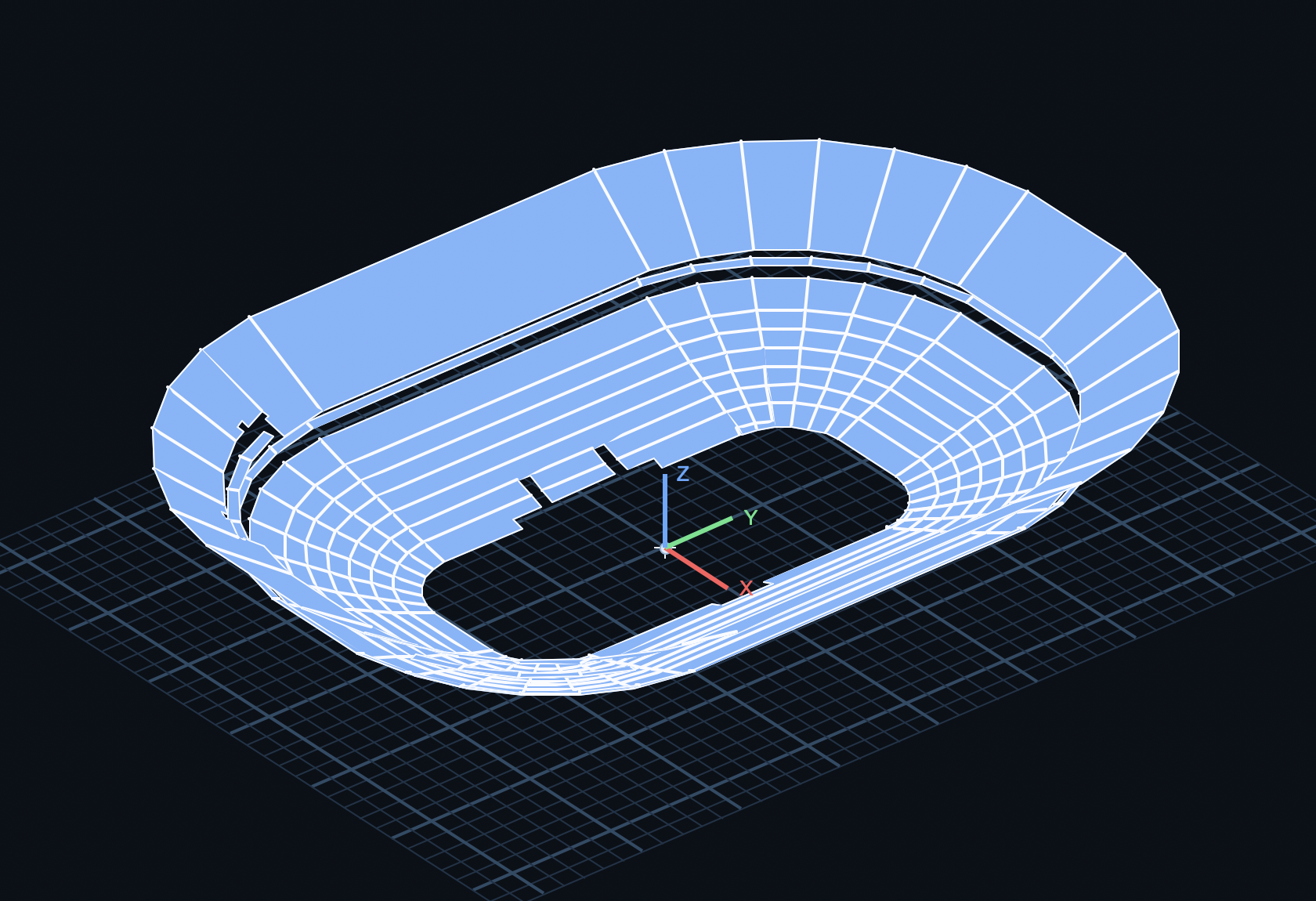
  7. Spatial Crowd Density Mapping: Use Measure Live room geometry and location data to split the audience into zones (front/mid/rear/sections) so non-uniform crowd density can be adjusted quickly by position.
  8. Workflow Outputs: Add one-click export of final Ground/Flown delay recommendations to CSV and a printable show-note summary.


LF Alignment Toolkit

LF Alignment vs Crowd Density Modeling

Predict and manage low-frequency alignment changes caused by crowd density so flown and ground-support LF systems stay coherent under real venue conditions.

Predictive Engine

Precise LF Alignment Value Prediction

Calculate LF source alignment targets using crowd density and listener location as key model inputs.

Field Setup

Create and Configure Crowd Density Fields

Build venue-specific crowd density fields and tune them by zone for practical alignment planning.

System Impact

Flown + Ground LF Delta Calculation

Compute expected alignment value shifts for flown and ground-support LF systems from density field changes.

Reliability

Alignment Value Tracking

Log and review alignment values over time to improve repeatability, confidence, and show-to-show consistency.

Visibility

Condition Input Display

View the active condition set clearly so every alignment decision is tied to known assumptions.

Acoustic Inputs

Frequency, Phase, and Magnitude Input with Theoretical Output

Input flown and ground LF source values, then calculate theoretical phase shift and magnitude difference at a reference point based on crowd density fields.

Reporting

Export Field Reports

Generate portable field reports for documentation, handoff, and post-show review.

Environmental Drift

RTA Reference Mic Realignment

Re-align the RTA reference mic when humidity and temperature drift from initial alignment conditions.

Usability

Integrated Help Tab

Includes built-in guidance so engineers can review workflow and assumptions quickly during setup.

Actionable Output

Recommended LF Adjustment Targets

Output practical delay adjustment guidance from the current condition model.

Scenario Planning

A/B Crowd State Comparison

Compare empty, partial, and full-house conditions to plan alignment moves before showtime.

Preset Control

Saved Condition Presets

Store and recall complete crowd and environmental states for repeat venues and rapid setup.

Measurement Ingest

Import Measurement Data

Bring in Transfur Funtion Data to refine model behavior and recommendations.

Built for field engineers who need practical LF alignment decisions under changing crowd and environmental conditions.